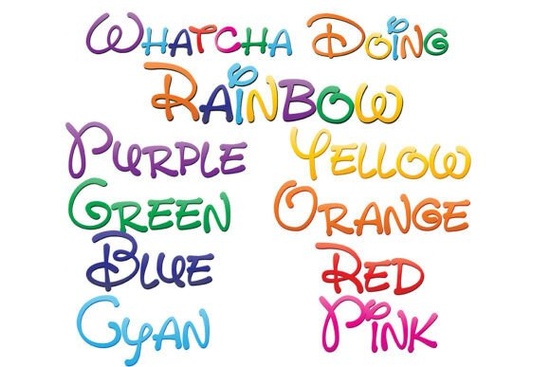
If you’ve been searching for a playful, eye-catching typeface that brings instant personality to your projects, the Whatcha Doing Font might be exactly what you need. This isn’t just one font it’s a set of nine full-color, hand-drawn fonts that each showcase a different slice of the rainbow. Whether you’re designing greeting cards, branding for a small business, or printable wall art, these fonts add whimsy without requiring extra work in post-production.
What makes this collection stand out is how it uses OpenType SVG technology to embed color directly into the font file. That means when you type “hello” in Adobe Illustrator or Inkscape, the letters appear in vibrant gradients right away no manual coloring needed. You can learn more about how these fonts work on the Whatcha Doing Font product page, which includes compatibility details and usage tips.
Who is this font best for?
Designers who work with digital illustrations, crafters creating custom SVG files for cutting machines, and print-on-demand sellers looking for standout typography will all find value here. Small business owners making social media graphics or packaging labels can also use these fonts to convey friendliness and creativity. Even hobbyists making birthday invitations or classroom decor will appreciate how quickly they can produce colorful results.
How do the nine fonts differ?
Each of the eight individual fonts features a single bold hue from the rainbow spectrum think red, orange, yellow, green, blue, indigo, violet, and pink. The ninth font layers all eight colors together into one dynamic, multicolored style. This gives you flexibility: use a single-color version for cleaner designs or go full rainbow for maximum cheer.
Here’s how you’ll see them listed on Creative Fabrica:
- Whatcha Doing Red
- Whatcha Doing Orange
- Whatcha Doing Yellow
- Whatcha Doing Green
- Whatcha Doing Blue
- Whatcha Doing Indigo
- Whatcha Doing Violet
- Whatcha Doing Pink
- Whatcha Doing Rainbow
Will it work in my software?
Color fonts like these rely on SVG-in-OpenType support, which isn’t universal. They display correctly in recent versions of Adobe apps (Photoshop, Illustrator, InDesign), Silhouette Studio (Designer Edition or higher), QuarkXPress, and Inkscape (version 1.0+). If you’re using an older program or basic word processors, the text may appear black but that doesn’t mean the font is broken. It just means your software doesn’t render color glyphs yet.
A quick test: install the font, open a compatible app, and start typing. If you see color immediately in your document canvas (even if the font menu preview shows black), you’re good to go.
Practical uses for everyday creators
Because these are vector-based fonts, they scale cleanly for everything from tiny stickers to large banners. Try them for:
- Kids’ party invitations or classroom name tags
- Merch designs for mugs, T-shirts, or tote bags
- Social media quote graphics with built-in color
- Hand-lettered-style logos for bakeries, boutiques, or playgroups
- Digital scrapbooking elements or planner stickers
Since each character is pre-colored, you save time that would otherwise go into manually filling shapes or applying gradients.
Before you buy: a few things to keep in mind
While the visual effect is striking, remember that color fonts are still a developing standard. Always double-check your output workflow especially if you’re sending files to a printer or converting to PDF. Some RIP systems or online marketplaces may flatten or ignore the color data. When in doubt, rasterize your text as a high-res PNG for final delivery.
Also, because these are decorative fonts, they’re best used for headlines, short phrases, or accent text not body copy. Their hand-printed style shines in casual, joyful contexts but isn’t meant for formal documents.
If you're ready to experiment with lively typography that does the coloring for you, the Whatcha Doing Font offers a fun and efficient way to inject brightness into your next project.
Quick checklist before using:
- Confirm your design software supports SVG color fonts
- Install the .otf files through Font Book (Mac) or Control Panel (Windows)
- Type directly in your document to see real-time color (don’t rely on font menus)
- Use for short, expressive text not long paragraphs
- Test export formats if sharing or printing professionally
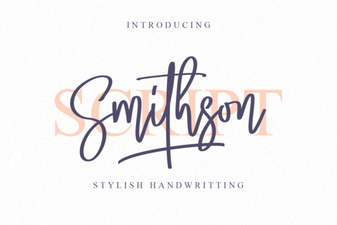 Smithson Font: a Modern Design Toolkit
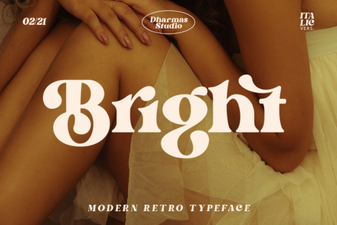 Bright Font Design Tips for Clear and Creative Websites
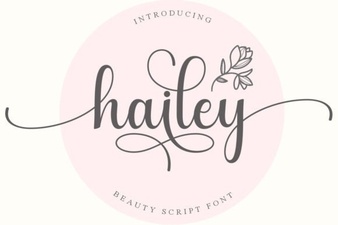 Hailey Font: Modern Designs & Creative Projects
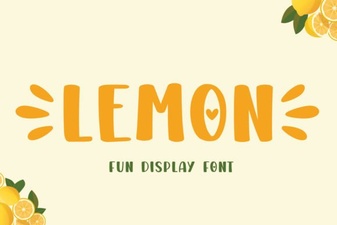 Lemon Font: a Fresh Design for Your Creative Projects
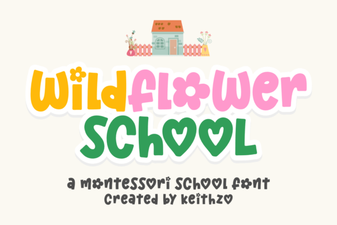 Wildflower School Font for Creative Typography Projects
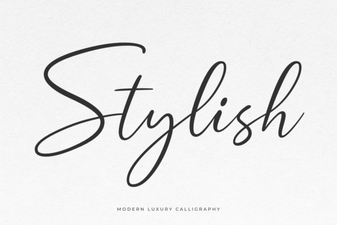 Design Tips for Selecting Stylish Fonts