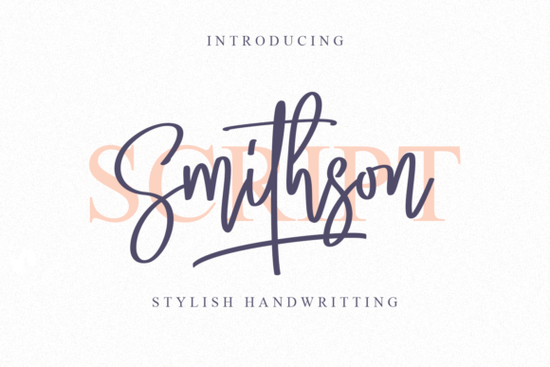
If you're looking for a handwritten font that blends elegance with everyday usability, the Smithson Font is worth your attention. Designed with both calligraphic tradition and modern flair, it’s especially well-suited for invitations, branding, packaging, or any project where personality matters. What sets Smithson apart isn’t just its graceful curves it’s also PUA encoded, meaning all those decorative swashes and alternate glyphs are easy to access without jumping through technical hoops.
Why choose a handwritten script like Smithson?
Handwritten fonts add warmth and authenticity to designs, which is why they’re so popular among small businesses, Etsy sellers, and DIY crafters. Unlike rigid sans-serifs, a script like Smithson feels personal like something made just for your customer. It works beautifully for wedding stationery, boutique labels, quote graphics, or even social media posts that need a touch of charm.
Smithson strikes a balance: it’s refined but not overly ornate, legible but still expressive. That makes it more versatile than many script fonts that lean too far into either formality or casualness. If you’ve tried other handwritten options and found them hard to pair or inconsistent in spacing, Smithson’s thoughtful design might solve those frustrations.
How does PUA encoding help you?
PUA (Private Use Area) encoding means every special character swashes, alternates, ligatures is mapped to standard keys you can access directly in design software like Adobe Illustrator, Canva, or Affinity Designer. No need to dig through glyph panels or install extra files. Just type, and if your app supports OpenType features (most do), you’ll see stylistic options appear automatically or via simple dropdown menus.
This is especially helpful if you’re creating:
- Custom monograms
- Branded logos with unique letterforms
- Invitations with beginning and ending swashes
- Social media quotes that stand out
Compared to non-PUA scripts where accessing extras feels like decoding a secret language, Smithson keeps the creative flow smooth.
What other script fonts pair well with Smithson?
If you’re building a font library for your business or hobby projects, consider complementary styles that share Smithson’s balance of elegance and readability. For example, Ashley Southine offers a similarly fluid hand-lettered feel but with slightly bolder strokes great for headlines when Smithson plays the supporting role. Or try Country Kitchen if you want a cozier, rustic alternative for farmhouse-style branding.
For more playful vibes, Pink Vibes Duo brings a youthful bounce that contrasts nicely with Smithson’s sophistication. And if you prefer minimalist scripts, Stylish delivers clean lines without sacrificing personality.
Who is Smithson best for?
This font shines in hands that value both aesthetics and practicality:
- Print-on-demand sellers creating mugs, totes, or apparel with inspirational quotes
- Small business owners designing logos, packaging, or signage for boutiques, bakeries, or salons
- Crafters making handmade cards, vinyl decals, or embroidery patterns
- Graphic designers seeking an authentic handwritten look without sacrificing legibility
It’s less ideal for body text or tiny labels scripts rarely are but as a display font, Smithson holds its own across digital and print mediums.
Getting started with Smithson
Once downloaded from Creative Fabrica, install the .otf or .ttf file like any other font. Then open your favorite design tool and start typing. To access swashes or alternates:
- In Adobe apps: go to Window > Type > Glyphs, or use the OpenType panel to enable Stylistic Alternates/Swash features.
- In Canva Pro: click the “Text” element, then “Advanced typography” to toggle alternates (availability varies by browser).
- In Silhouette Studio or Cricut Design Space: use the Character Map (Windows) or Font Book (Mac) to copy-paste special glyphs.
Experiment with uppercase vs. lowercase Smithson often looks most elegant in sentence case with selective swashes at the start or end of words.
Before you finalize your purchase, check compatibility: Ensure your primary design software supports OpenType features. Most modern tools do, but older versions or basic apps may limit glyph access.
Learn More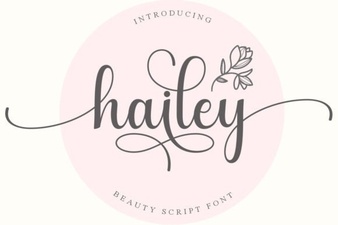 Hailey Font: Modern Designs & Creative Projects
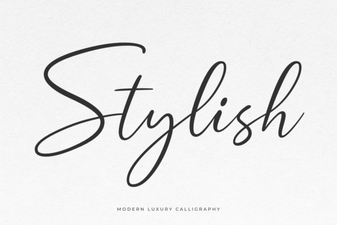 Design Tips for Selecting Stylish Fonts
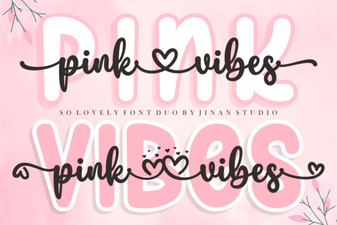 Pink Vibes Duo Font: Your Creative Projects Signature Pair
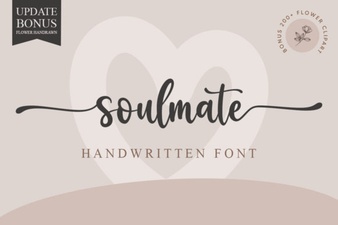 Soulmate Font: Creative Design & Project Ideas
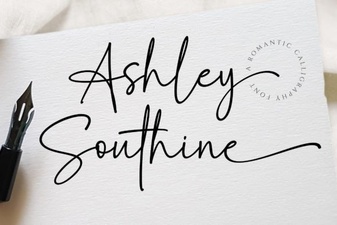 Ashley Southine Font Design & Download
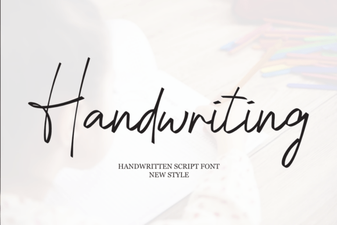 Design Handwriting Fonts for Your Creative Projects